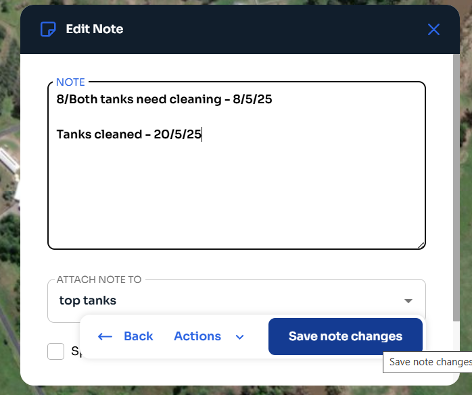
From Main Menu:
- Select “Notes” from the top Main Menu.
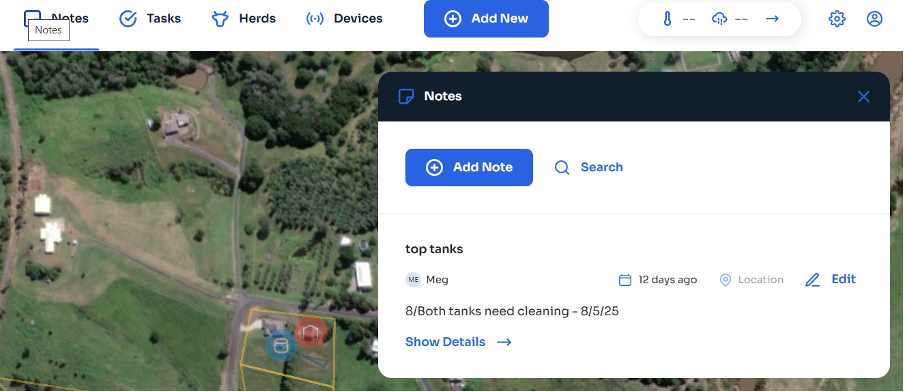
- Select “Add Note”. Fill in the details and attach the note to a Location/Device/Item.
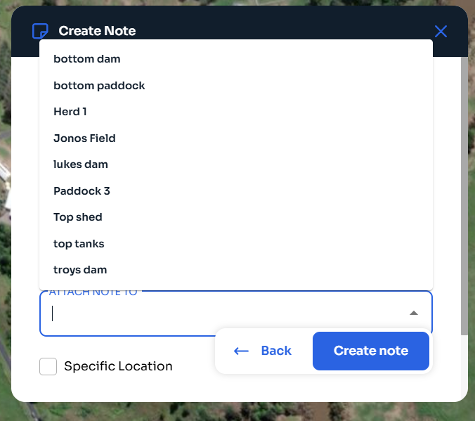
- Once you have added all necessary details, select “Create Note”. Job done!
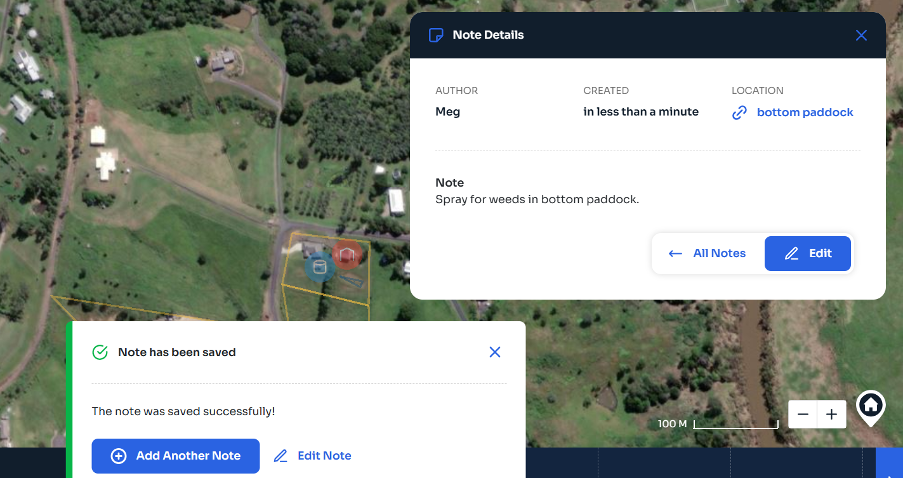
From Location/Device/Item
- Select the Location/Device/Iten you want to assign a Note to.
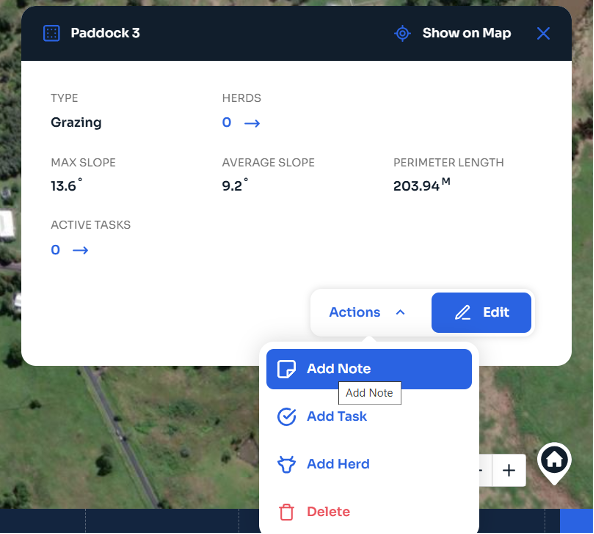
- Select “Add Note”. Fill in the details and attach the note to a Location/Device/Item.
- Once you have added all necessary details, select “Create Note”. Job done!
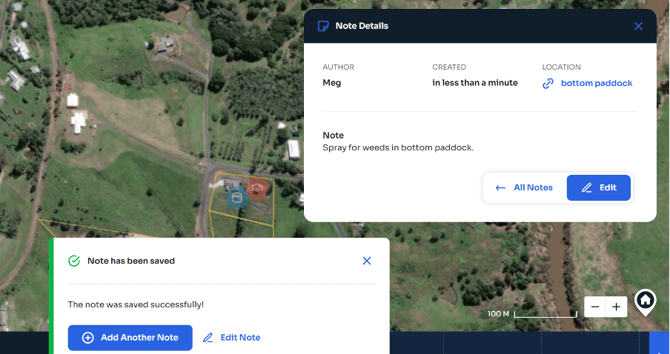
You can also edit the notes as needed by selecting the note location or through the Main Menu.
- Select “Edit”.
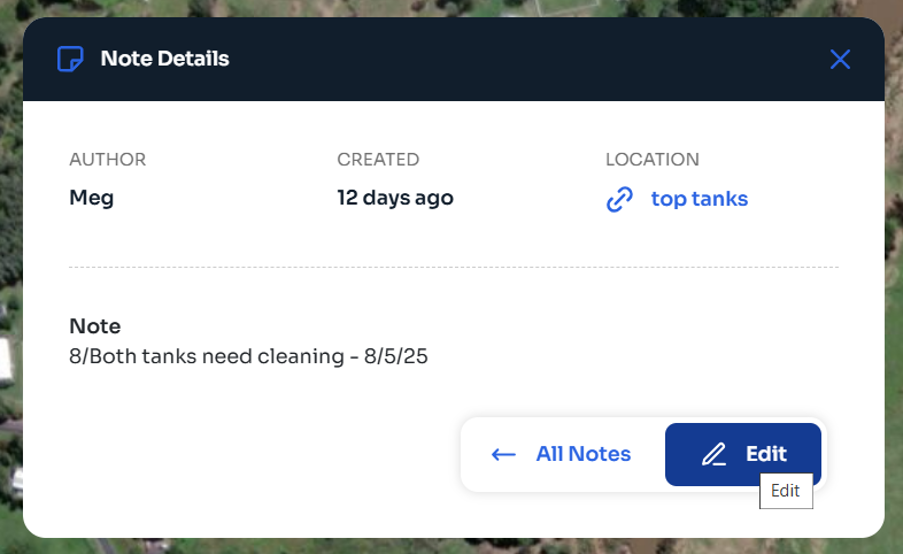
- Update details, the “Save note changes”.