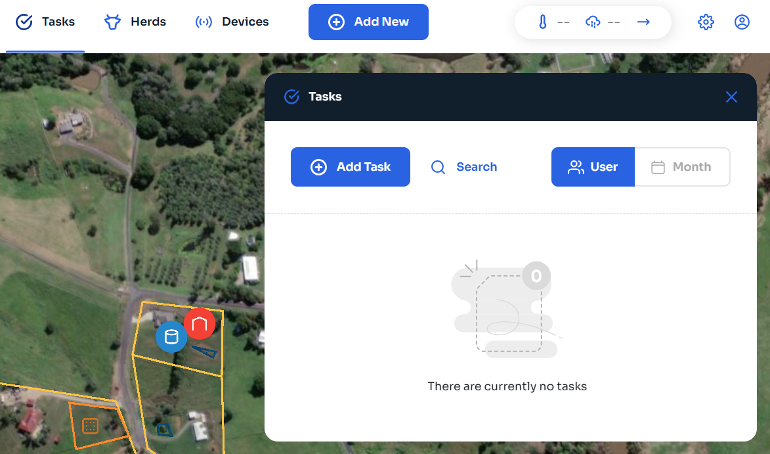
From Main Menu:
- Select “Tasks” from the menu along the top of the screen.
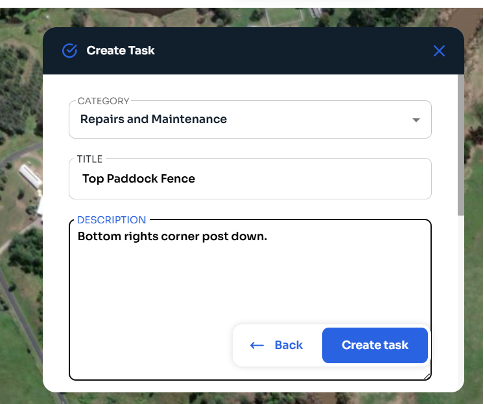
- Add in the Category for task (select from the options in the drop down menu) title of the task, then a more detailed description of the task. Select “Create Task”, the task is now logged.
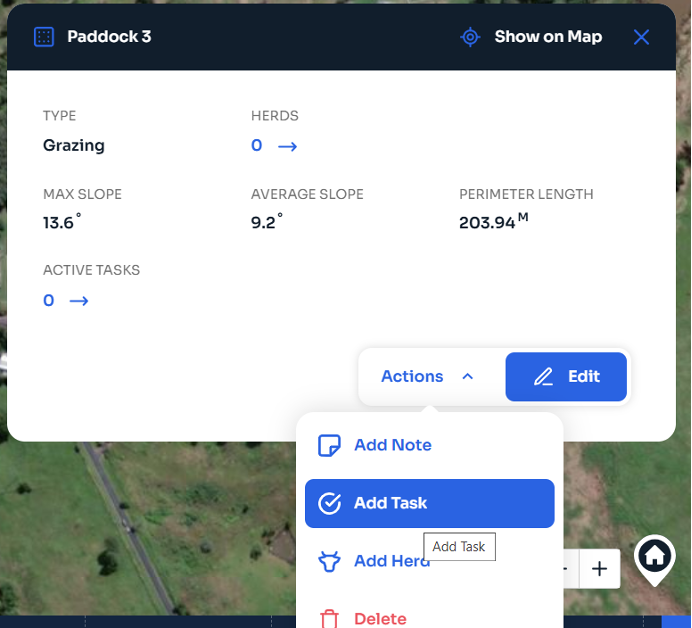
From the Map:
- Select area/herd/item that requires task. Select “Actions”, then “Add Task”. You can now follow Step 2 from above.