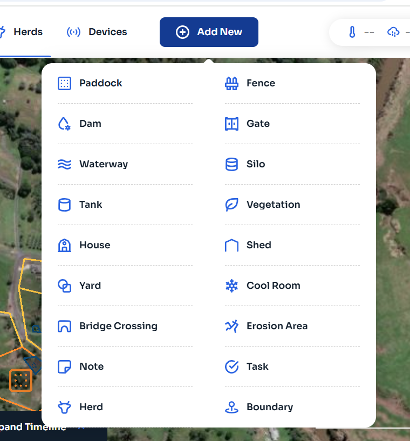
- Select “Add New” – a drop-down menu of items/herds/crops will appear. Select “Paddock”. This will enable you to draw in the boundaries of your paddock, similar to your property boundaries.
- Draw in your Paddock boundaries. You can then name this paddock, and select the type.
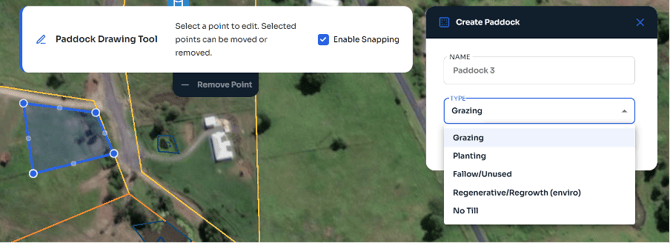
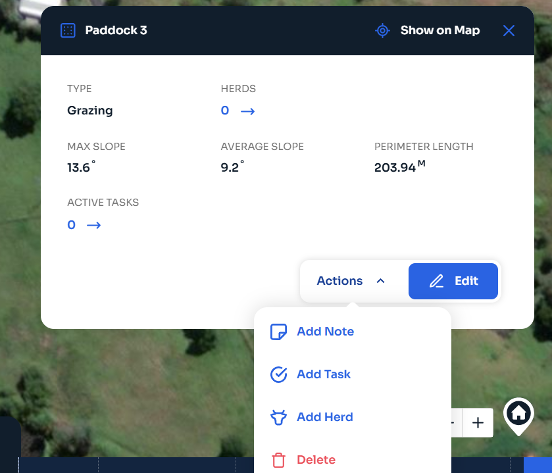
- Now you’ve created your paddock, you can specify what that paddock is currently being used for. Select the “Type” drop down menu, eg; Grazing. Once you’ve created your paddock, you can add notes/tasks/herds by selecting the paddock, then “Actions”.
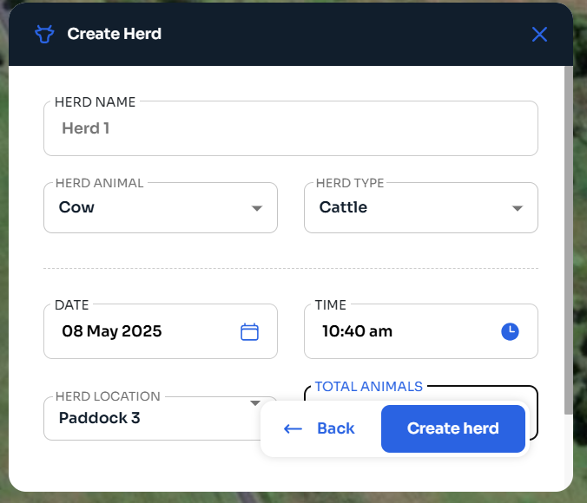
- Add in the details of your Herd.
English - Australia